

What factors influence costs to build a website in 2026?
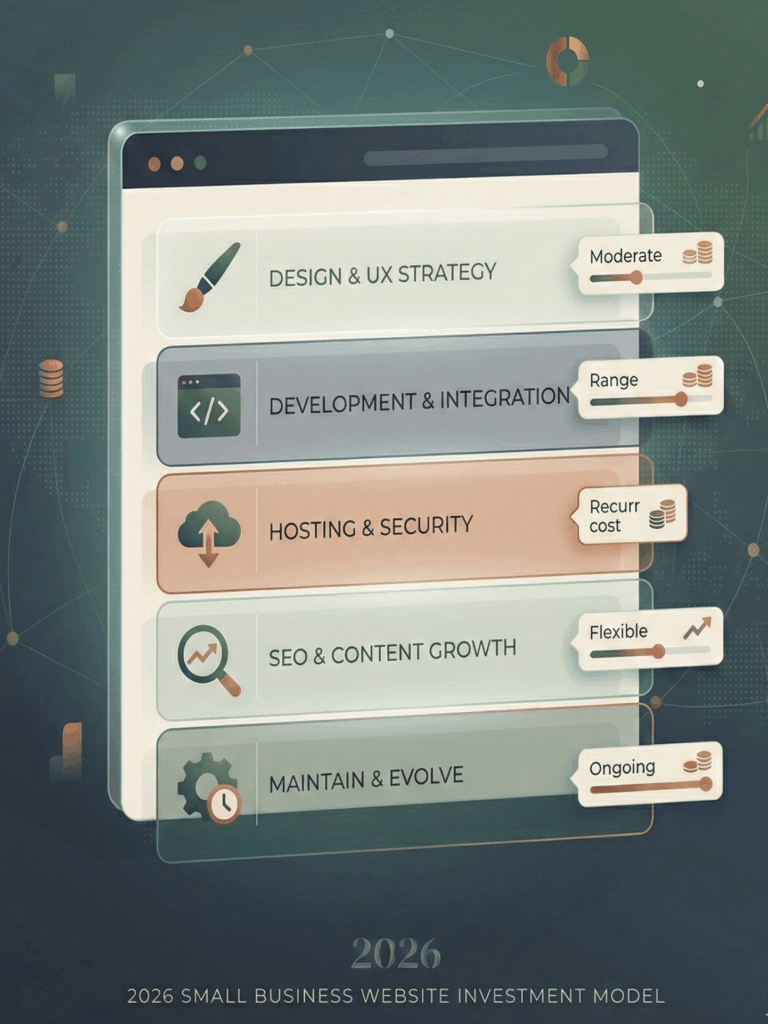
Here’s what reliably drives website cost up or down:
- Type of website: brochure site vs. bookings vs. ecommerce vs. membership.
- Design level: template tweaks vs. fully custom UI/UX.
- DIY vs. hire a professional: builders reduce development cost; specialists add speed and control.
- Traffic + performance expectations: higher traffic often pushes hosting/infrastructure choices.
- Ongoing maintenance: updates, security patches, content updates, SEO iteration.
If you want the branding lens behind this (why perception changes conversion), pair this article with Typography and Color Psychology and Visual Branding
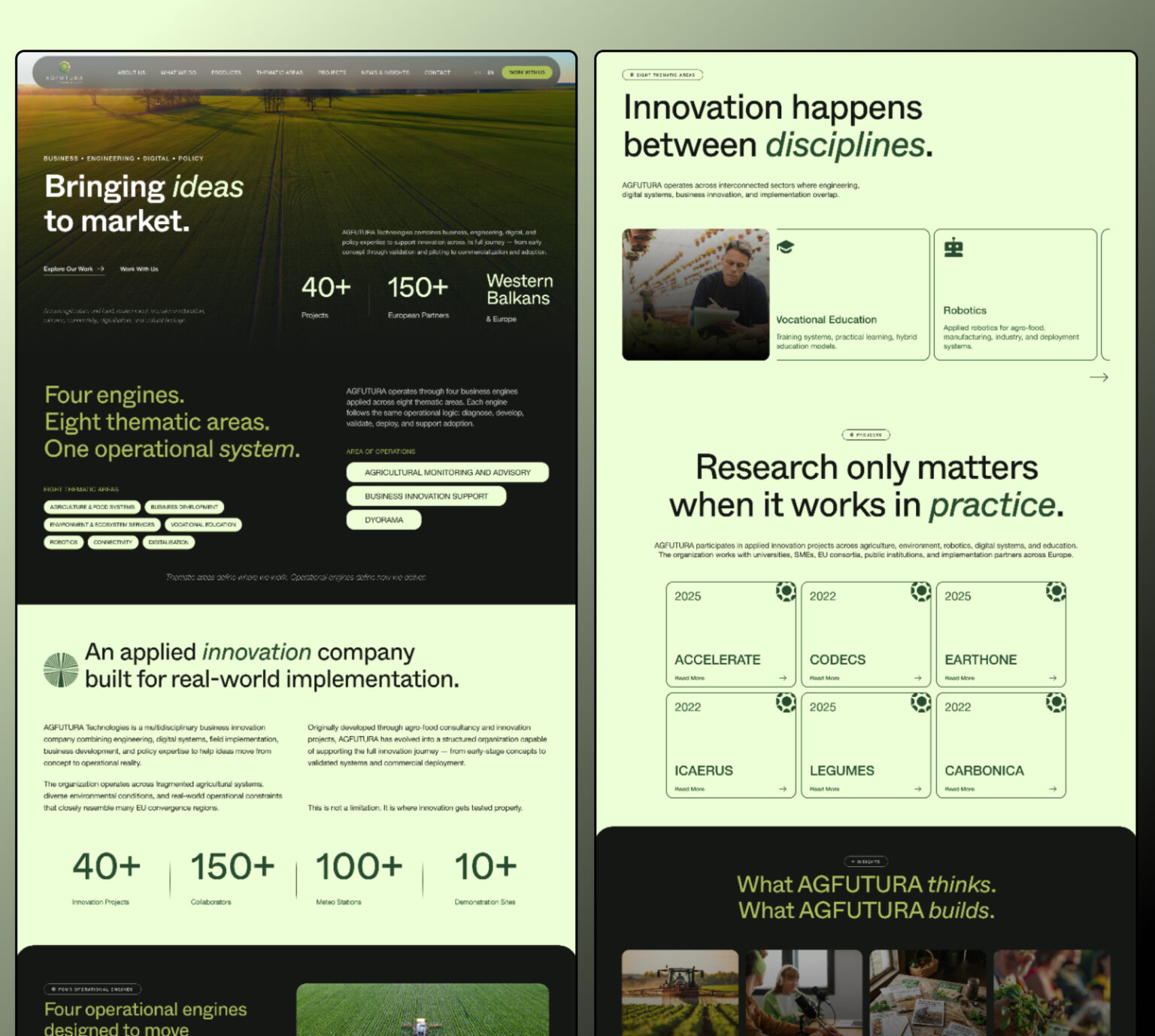
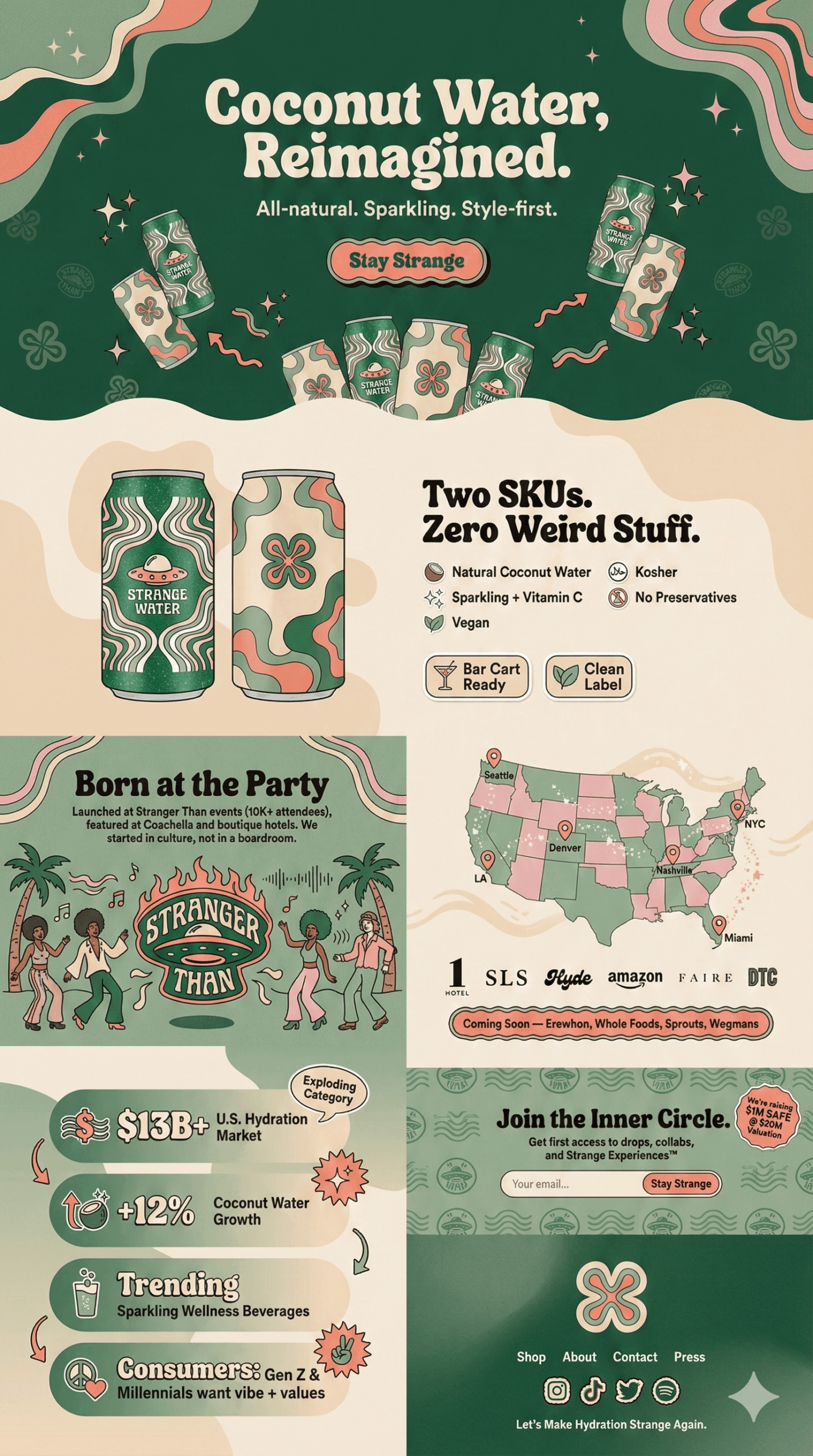
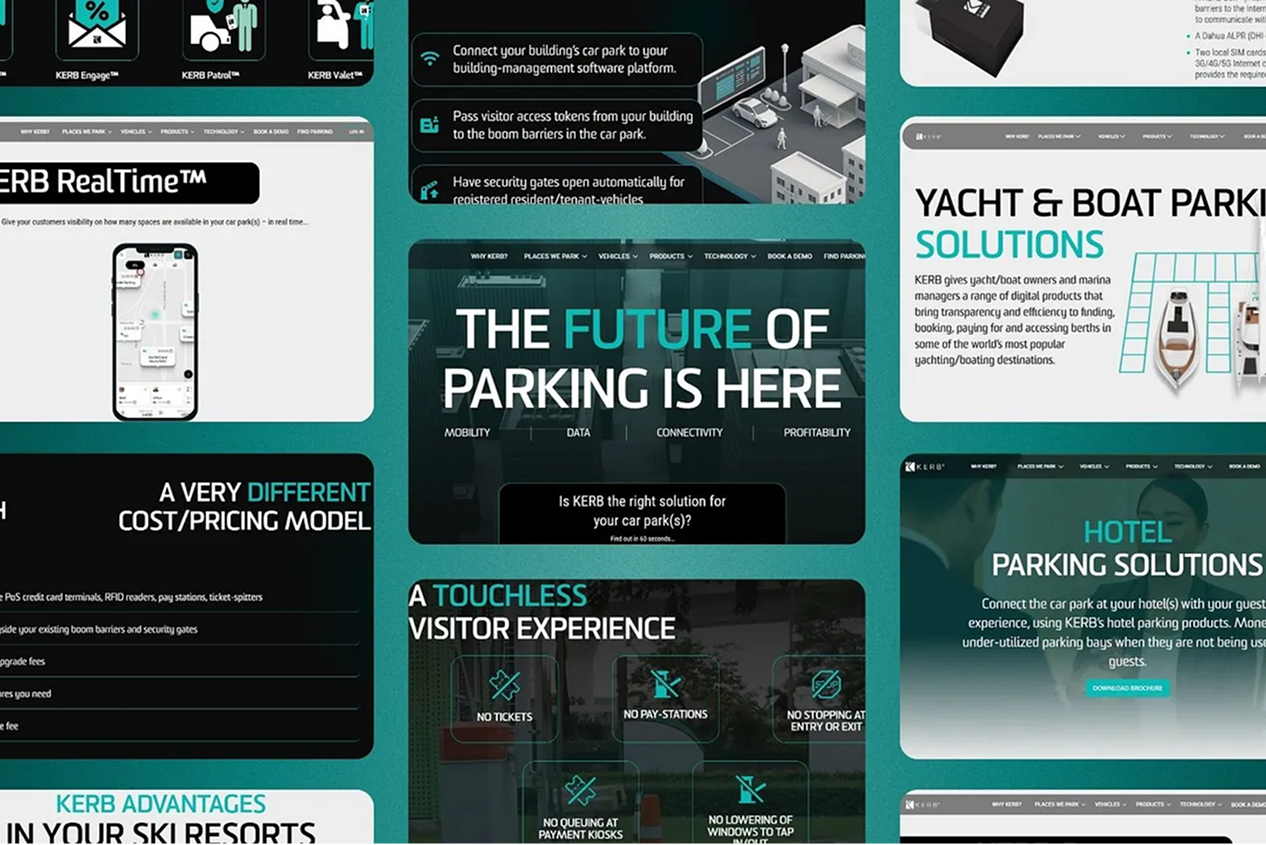
Below is a real-world example of how modern web design translates brand strategy into a high-conversion landing page—showing where website cost actually goes in 2026.
Website cost breakdown (what you’re actually paying for)
1) Domain name (your address on the internet)
A standard .com is often $10–$20/year, while premium domains can jump into the hundreds or far higher.
A domain is branding, too—if your name is hard to spell, you’re buying future confusion. (Save yourself. Pick clarity.)
2) Hosting (where the site lives)
If you use a builder, hosting is typically bundled into the plan.
If you self-host (e.g., WordPress), you’ll see ranges like:
- Shared hosting: ~$3–$14/month
- Higher-performance setups can cost far more (especially for high-traffic or complex systems).
3) Platform / website builder plan (the “subscription” part)
In 2026, builders are the default choice for many small businesses because they compress setup + hosting + updates into one bill.
Examples of published plan pricing (varies by billing term/location):
- Squarespace plans are commonly described as starting around $16/month and going up to $99/month for advanced commerce features.
- Wix example plan pricing: Core $29/month, Business $39/month (as stated in Wix’s own explainer post).
- Webflow eCommerce (billed yearly): Standard $29/mo, Plus $74/mo, Advanced $212/mo (plus payment processor fees; some tiers include Webflow transaction fees).
If your website is part of a bigger market strategy, don’t treat platform choice like a “template decision.” It’s a systems decision. That’s the same logic we use in Build a Comprehensive Brand Strategy
4) Design cost (template vs. custom)
Design is where “website cost” becomes “brand cost.”
- Templates / AI layouts: usually included, sometimes premium templates cost extra.
- Hiring a designer: commonly $500 to a couple thousand+, depending on complexity.
- Freelancer custom web design: $500–$5,000+
- Agency: $5,000–$20,000+
5) Web development (custom features, integrations, “make it do the thing”)
If you stay inside a builder’s standard components, development costs can be close to zero.
If you need custom functionality, developer rates are commonly framed as ~$50–$150+ per hour depending on experience and requirements.
This is also where bad scoping burns money. If your business can’t clearly explain what the site must do, you’ll pay for rework.
6) Security (SSL, protection, compliance)
Most major builders include SSL as part of the platform.
If you self-host, SSL can be a separate line item (some providers are free; some paid certificates are expensive). Looka’s range for paid SSL via certain providers was $150–$1,350/year.
7) SEO and marketing tools (the “why is my bill growing?” section)
You can build a pretty website and still get zero leads—because nobody finds it.
Typical tool categories and ranges cited in popular cost breakdowns:
- SEO tools: $49–$450/month
- Email marketing: often free tiers up to paid tiers
- Popups/lead capture tools: low monthly costs into higher tiers
Three ways to build a website in 2026 (and what each usually costs)
Option 1: Use a website builder (best for most small business sites)
You pay a monthly fee, and the platform handles hosting + updates + a lot of maintenance.
Typical builder plans are often described in the ~$16–$99/month range depending on site type and commerce needs.
Best for: local services, simple business websites, portfolios, early-stage brands.
Option 2: Self-hosted CMS (WordPress-style flexibility)
You pay for domain + hosting + themes/plugins, and you’re responsible for upkeep.
One published estimate set for WordPress-style costs includes:
- Domain: ~$10–$15/year
- Hosting: ~$3–$50/month
- Themes/plugins: free to paid
- Maintenance: can range widely depending on support level
Best for: content-heavy sites, teams that want control, businesses with in-house ops/marketing.
Option 3: Custom-coded (or heavy custom build)
This is “build the exact machine you want,” and it costs like it.
Looka frames agency builds commonly at $5,000–$20,000+ depending on complexity.
Squarespace’s guide also notes custom builds can run into tens of thousands depending on requirements.
Best for: complex systems, unique workflows, high-stakes industries where the website is part of the product or procurement process.
How to save money without building a “cheap” website
A traditional rule that still holds in 2026: pay once for clarity, or pay forever for confusion.
Practical cost control (without downgrading your business):
- Start with a tight scope: homepage + services + about + contact form + one proof page
- Use templates, but brand them properly (type, spacing, tone, imagery rules)
- Add features only when the business process exists (don’t buy tools for a fantasy workflow)
- Do SEO fundamentals first (structure, intent, internal links, speed) before paying for expensive tools
Hidden website costs people forget (and then complain about later)
- Professional email (often via Google Workspace)
- CRM/invoicing tools
- Premium plugins/extensions
- Copywriting (your site needs words that sell, not words that exist)
- Photo/video/graphics
- Accessibility, legal pages, cookie tooling (depending on jurisdiction)
- Ongoing maintenance and updates
This is why brand systems matter. If you don’t define rules, every new page becomes a new argument. Start with Brand Identity Development and How to Define Your Brand’s Values.
Final thoughts:
In 2026, the cost of a website isn’t a one-time purchase—it’s a monthly cost decision plus an operating asset you either manage well or pay for later.
Yes, you can build a site cheaply with a website builder and a template. And for some small business needs, that’s perfectly fine. But if you’re trying to create a professional-looking website that supports trust, leads, and revenue, the real question becomes: are you paying for a quick launch, or paying for a system you can keep, improve, and scale?
Because the real website cost isn’t just how much it costs to build. It’s what it costs to fix, rebuild, or replace when your website design and functionality no longer match where the business is going—and you suddenly need to hire, redesign, or rebuild the site under pressure.
Choose the build path that matches your goals, your timeline, and how serious you want your business website to feel.